

Since 30 November 2024, all telephone numbers in Benin, mobile and landline alike, have been 10-digit numbers: you add “01” in front of the old 8-digit number. If your address book still holds family numbers back home in the old format, your calls no longer go through. The free CONVNUM app from ARCEP Benin converts them all in one go. Here is the rule, the steps to follow and the precautions to take.
At a glance
- Publisher
- Regulatory Authority for Electronic Communications and Post (ARCEP Benin)
- Price
- Free; the switch to 10 digits costs nothing and requires no new identification
- Devices
- Android. On iPhone: see the alternative below
- Data
- No data collected or shared, according to the Google Play listing
- From Belgium
- Dial +229 01 followed by the eight digits of the old number
The rule for 10-digit numbers
The rule is the same for every operator: you put 01 in front of the old number.
- a mobile number 97 12 34 56 becomes 01 97 12 34 56;
- a landline 21 31 01 65 becomes 01 21 31 01 65.
Both formats ran side by side until 30 December 2024; since then, only 10-digit numbers work. Short numbers are unchanged: 112 (SAMU, emergency medical service), 117 (police), 118 (fire brigade).
Calling Benin from Belgium
From abroad, you must dial the “0” of the 01 prefix. The full format is therefore +229 01 XX XX XX XX, or 00229 01 XX XX XX XX. A number saved as “+229 97 12 34 56” must become “+229 01 97 12 34 56”. CONVNUM handles exactly those numbers saved with the +229 country code or with no country code; Belgian numbers are, in principle, left unchanged.
Before converting: back up your address book
Some users report missing contacts or lost names in WhatsApp after the conversion. The app offers to export your address book to a contacts.vcf file before changing anything: always do this and keep the file somewhere safe. If something goes wrong, the “Restaurer” (restore) button puts the numbers back to 8 digits.
Another tip from users: some foreign numbers saved without a country code were converted too. After the operation, check your Belgian contacts saved without “+32”.
What about iPhone?
CONVNUM was announced for Android and iOS, but it cannot be found on the App Store today. On iPhone, the operator Moov Africa Bénin offers the free Moov Contacts app, available on the Belgian App Store, which also converts Beninese numbers from 8 to 10 digits. You can also correct your main contacts by hand.
Updating your number on WhatsApp
CONVNUM only changes the phone's address book. If you use a Beninese number on WhatsApp yourself, go to Settings, Account, “Change number” and enter the 10-digit number. Your chats are kept.
Converting your contacts to 10-digit numbers with CONVNUM
- 1Install CONVNUMDownload the app from Google Play, go through the three introduction screens, then tap “Commencer” (start). Allow access to your contacts.
- 2Turn off syncingThe app asks you to turn off automatic contact syncing, to avoid conflicts during the conversion.
- 3Export your address bookTap “Exporter” (export) and save the contacts.vcf file. This is optional but strongly recommended.
- 4ConvertTap “Convertir” (convert) and confirm. A progress bar shows how many contacts have been processed; run it again if some are still left to convert.
- 5Check, then turn syncing back onCheck a few Beninese and Belgian contacts, then turn syncing back on. If anything goes wrong, “Restaurer” (restore) reverts to the 8-digit numbers.
Screenshots : CONVNUM
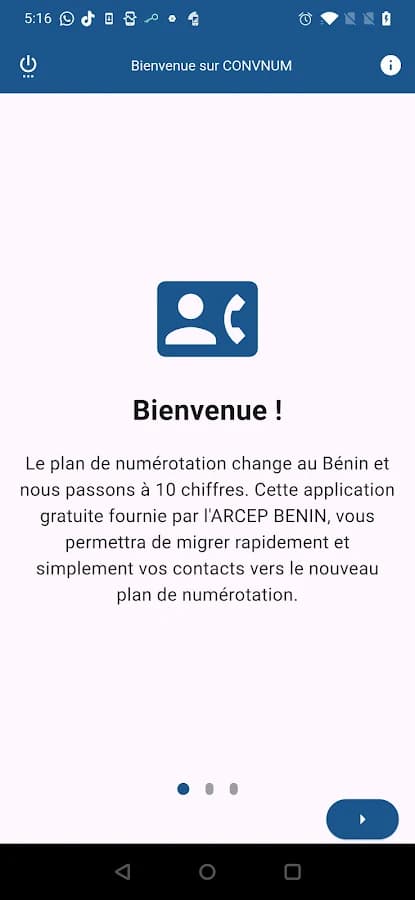
The first screen introduces the numbering change. 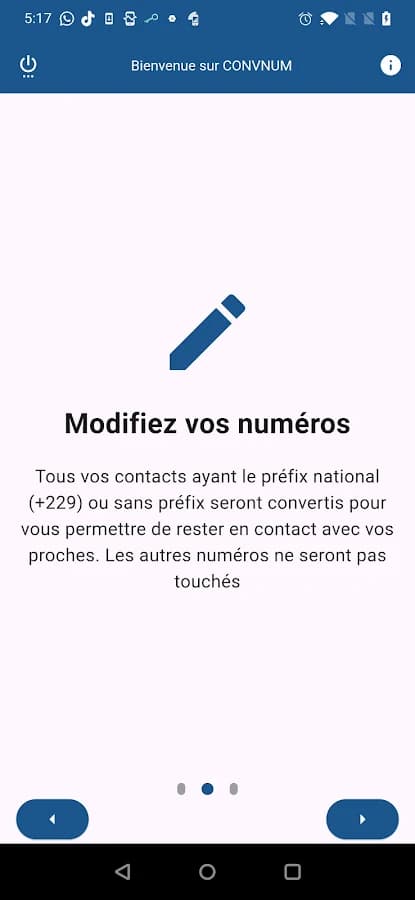
Only Beninese numbers, with or without +229, are converted. 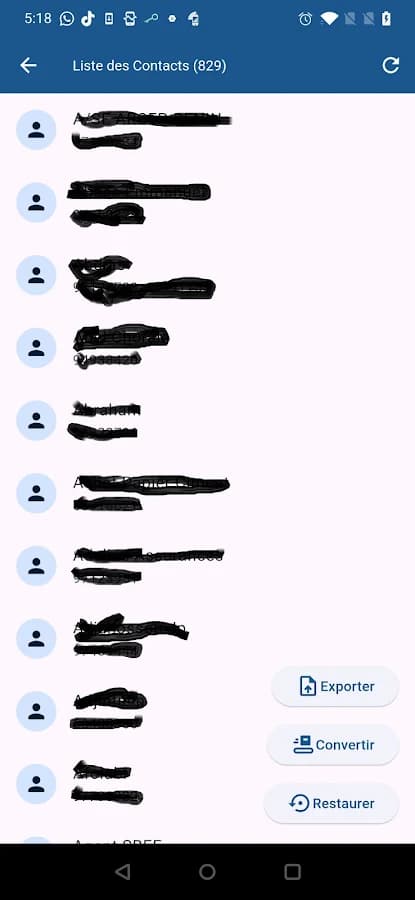
The three buttons: export, convert, restore. 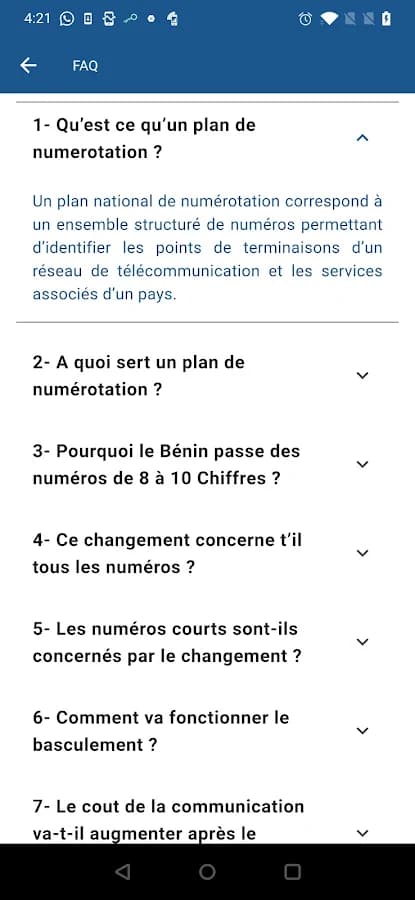
The FAQ built into the app.
Screenshot published by Electronic Communications and Postal Regulatory Authority (ARCEP) on Google Play.
Frequently asked questions
How do you call a Beninese number from Belgium?
Dial +229 01 then the eight digits of the old number, for example +229 01 97 12 34 56. The 0 of the 01 prefix is required from abroad.
Do landlines also become 10-digit numbers?
Yes. A landline 21 XX XX XX becomes 01 21 XX XX XX. Only short numbers (112, 117, 118…) stay the same.
Can you still call an 8-digit number?
No. Both formats ran side by side until 30 December 2024; since then, you must dial the 10-digit number.
Is CONVNUM available on iPhone?
It cannot be found on the App Store today. On iPhone, use Moov Contacts from Moov Africa Bénin, or correct your contacts by hand.
Can you undo the conversion?
Yes: the “Restaurer” (restore) button puts the numbers back to 8 digits. Still export your address book before converting, as lost contacts have been reported.
Does the switch to 10-digit numbers cost anything?
No. According to ARCEP, the migration is free and requires no new identification with your operator.
Sources
- ARCEP Bénin : les numéros passent de 8 à 10 chiffres le 30 novembre 2024
- Notification de l'ARCEP à l'UIT sur le nouveau plan de numérotation (avril 2024)
- Fiche Google Play de CONVNUM
- ARCEP Bénin : ressources en numérotation
- Moov Contacts sur l'App Store (Moov Africa Bénin)
Guide checked in October 2026. The consulate does not publish any of these apps. For questions about how they work, contact the body that publishes them.